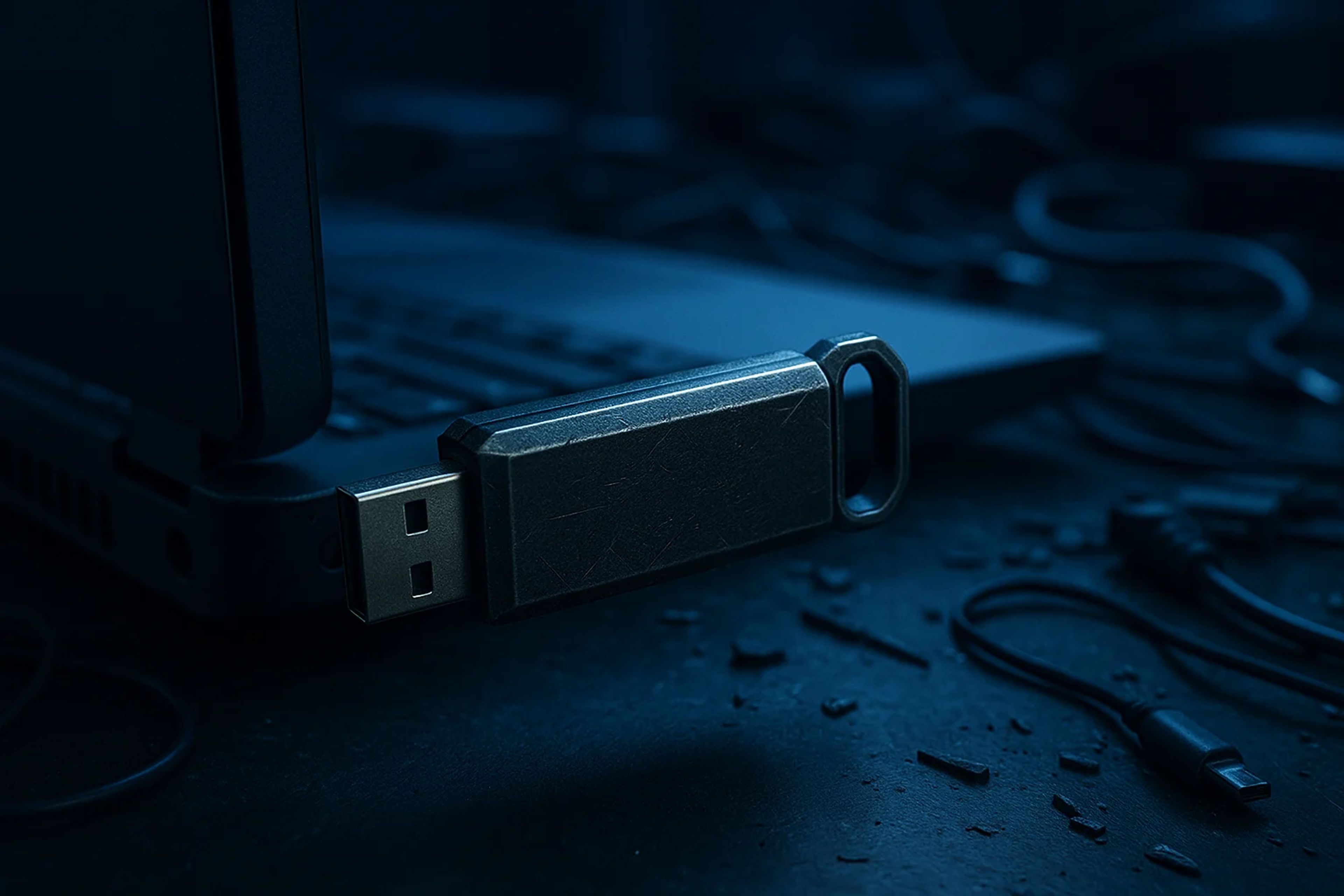
Microsoft flags USB-spreading CryptoBandits malware that swaps pasted wallet addresses
The Windows worm uses malicious .lnk shortcuts, polls the clipboard every ~500 ms, and exfiltrates data over Tor.
Microsoft disclosed a USB-propagating Windows worm detected as Trojan:Win32/CryptoBandits that has targeted crypto wallet activity since February 2026. The malware watches the clipboard for seed phrases, private keys, and recipient addresses, and can silently replace copied destination addresses to redirect transfers.
Key Takeaways
- A USB-borne Windows worm tracked as Trojan:Win32/CryptoBandits has targeted crypto wallet activity since February 2026.
- Initial infection can start with a single click on a malicious Windows shortcut (.lnk) placed on an infected USB drive.
- The payload polls the Windows clipboard about every 500 milliseconds and can swap copied recipient addresses before a user pastes them into a transfer flow.
- Stolen data is sent out over Tor, and the malware also captures five screenshots spaced 10 seconds apart.
Microsoft Names Trojan:Win32/CryptoBandits as a USB-Borne “Crypto Clipper”
Microsoft disclosed a Windows “crypto clipper” campaign that spreads through infected USB drives and targets crypto wallet operations. Microsoft Defender detects the threat as Trojan:Win32/CryptoBandits, and Microsoft said the worm has been active since February 2026.
The label matters less than the workflow it targets. This is not a niche browser-injection trick. It is designed to sit on a Windows machine and interfere with the exact moment funds move, where traders and power users routinely rely on copy and paste to avoid typos.
From a .lnk Click to a Hijacked Transfer: How Clipboard Swapping Works
The infection chain begins on removable media. An infected USB drive contains a malicious Windows shortcut file ending in “.lnk”. When a user clicks it, the shortcut executes attacker-controlled commands that install the worm on the PC.
Once resident, the wallet-stealing component monitors the Windows clipboard roughly every 500 milliseconds. Microsoft said it looks for seed phrases, private keys, and recipient addresses. The highest-friction part of most wallet theft is getting a user to hand over secrets. This campaign reduces that dependency by targeting transfer execution instead.
The critical behavior is address replacement. When a user copies a recipient address to send funds, the malware can silently replace it with an attacker-controlled address before paste, with no visible cue. That means a user can do everything “right” by never typing a seed phrase into a phishing site and still get clipped at the point of withdrawal or on-chain send.
Captured clipboard data is exfiltrated over the Tor network. Microsoft also said the malware takes five screenshots, ten seconds apart, and sends them to the attacker, a simple way to capture what was on-screen during setup, login, or transfer confirmation.
Why USB Propagation Changes the Threat Model for Wallet Ops
USB propagation turns this from a single-endpoint problem into an operational one. The worm waits for additional removable media, then spreads when a clean USB drive is inserted into the infected machine.
Microsoft’s description is blunt: the malware scans the clean drive for ordinary files like Word documents, Excel sheets, and PDFs, then replaces them with identically named shortcut files to infect the drive. That is a practical trap for desk workflows that shuttle files between machines, including semi-air-gapped habits where users assume “offline” equals safe.
For traders, the second-order risk is lateral movement into the machine that actually signs or stages transfers. A single contaminated USB used for “just moving a file” can become the bridge.
Defender Playbook: AutoRun, .lnk Blocking, Script Hosts, and Tor Port 9050 Hunting
Microsoft recommended disabling AutoRun for removable media and blocking .lnk execution on USB drives via Group Policy. It also advised restricting Windows script hosts such as wscript.exe and cscript.exe, which are common execution paths for shortcut-driven and script-based malware chains.
On the detection side, Microsoft said Defender customers can run hunting queries for related activity, including connections consistent with a local Tor proxy on port 9050. Microsoft also published indicators of compromise for defenders, including file hashes and .onion command-and-control domains.
What remains unclear is scope. The disclosure, as provided, does not quantify victim counts, regions, specific wallet apps, or funds stolen. The next concrete signal will be whether Microsoft expands those details, and whether new detections tie CryptoBandits to particular wallet software or exchange withdrawal workflows. For enterprises and trading teams, the immediate telemetry to watch is .lnk execution from removable media and any Tor-proxy-like activity on port 9050, then matching Microsoft’s updated hashes and .onion infrastructure against endpoint and network logs.
Marcus Hale’s Take: The Quiet Failure Mode Is Address Replacement, Not Key Theft
I treat this as a market-structure problem for self-custody ops, not a headline about “new malware.” The design is optimized for the lowest-friction theft path: clip the destination address at the moment of transfer, and the user does the rest. The threshold that matters is whether defenders can reliably surface removable-media .lnk execution and Tor proxy artifacts before the first bad send goes out.
USB propagation is the multiplier. If that hop pattern holds across real desk workflows, the setup starts to look structural rather than narrative-driven, because it targets the file-moving behavior that many teams still rely on. This development matters in practical terms if CryptoBandits shows up as repeatable .lnk-from-USB plus Tor-9050 telemetry inside environments that routinely stage and execute withdrawals.


