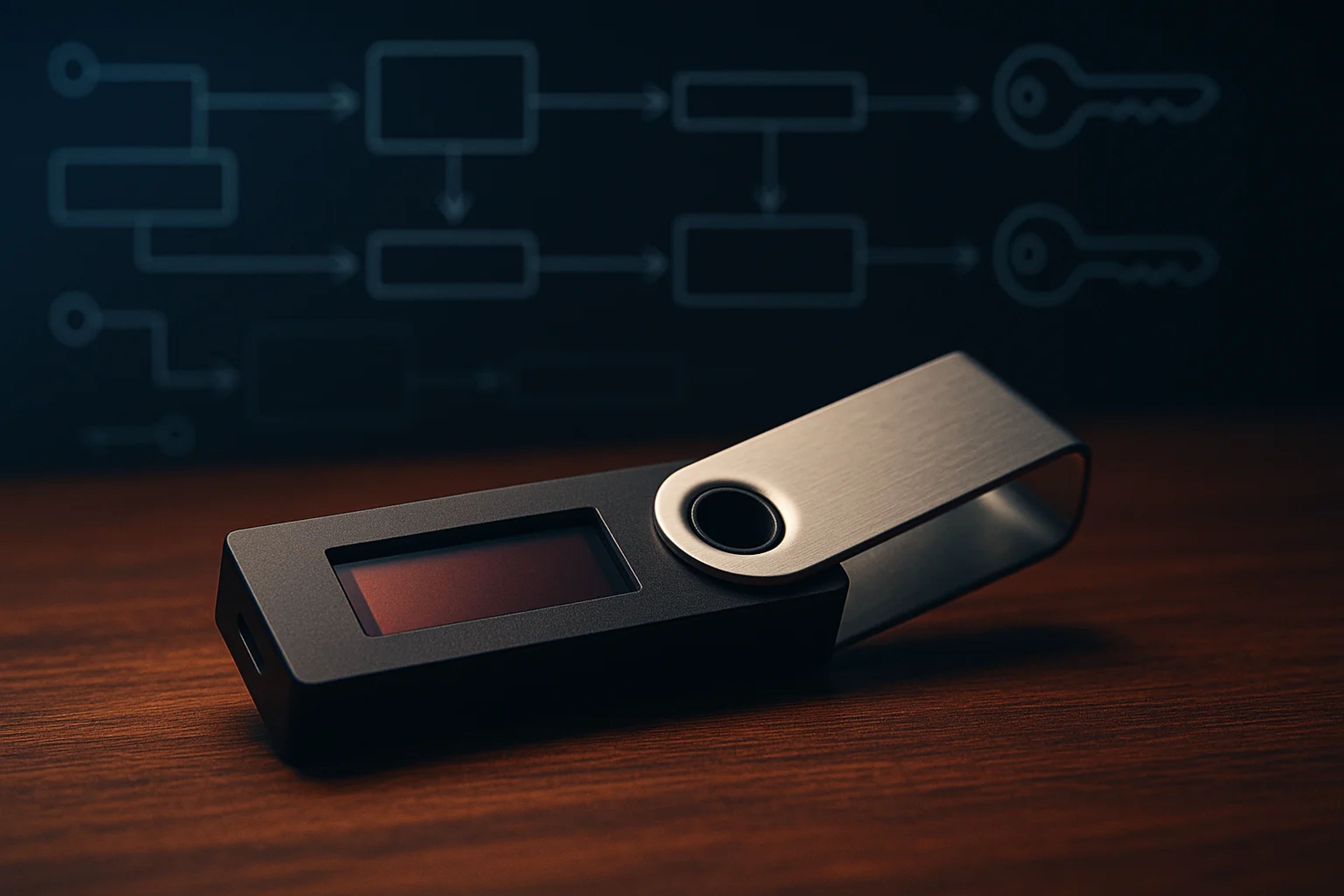
Crypto wallet types explained: A signing workflow, not a place coins sit
Crypto wallet types explained comes down to one question: where does the private key live when a transaction gets signed. Every other label (mobile, browser extension, desktop, hardware, cold storage) is a UI choice layered on top of that signing workflow and its attack surface.
Key Takeaways
- A crypto wallet is a toolchain for controlling an account by signing, not a container that “stores coins.”
- The first split that matters is hot wallets (internet-connected) versus hardware and cold storage (offline key custody).
- On Ethereum, switching wallet apps does not move funds because the wallet is just a window into the same account controlled by the same keys.
- On Bitcoin, wallet features like multisig, address formats (bc1 vs legacy), and fee tools (RBF/CPFP) can change transaction outcomes when the network is congested.
How crypto wallets relate to keys
A wallet session is a short sequence: the wallet reads an account’s balances and history, builds a transaction or message, and then produces a signature with the private key. That signature is what the network accepts as proof that the account owner authorized the action. Ethereum’s documentation frames wallets as applications that let users sign in to apps, read balances, send transactions, and verify identity, which is a clean description of what shows up on screen day to day.
The mechanics only make sense once “account” is separated from “wallet.” On Ethereum, an account is a public and private key pair. The public key is used to derive an address that can be shared, while the private key must stay secret because it signs. The wallet is the interface that uses those keys. That is why Ethereum also emphasizes that wallet providers do not have custody of funds. They provide a window and tools, and users can swap wallet providers without moving assets.
This is the first place most wallet types guides get people hurt. If the wallet is just the window, then the real custody is the recovery material behind it. Ethereum warns there is no customer support and that wallets often provide a seed phrase that must be written down and kept safe because it is the only recovery method. Lose the device and lose the seed phrase, and the “type” of wallet stops mattering.
For wallets security, the useful mental model is not “which app looks best.” It is: where is the private key generated, where can it be accessed, and what events cause it to sign. That framing makes the rest of the wallet types explained taxonomy feel less like jargon and more like risk architecture.
Hot wallets vs offline storage
The key custody split is binary on day one: does the private key ever touch an internet-connected environment. Kaspersky groups wallet categories into hot wallets, which are always online, versus cold or hard wallets, which are offline. The online side is convenient and fast, and it is also more exposed to hacking and phishing because the signing environment is connected.
Hot wallets are usually software. They can live as a mobile app, a browser wallet, a browser extension, or a desktop application. The UI differences matter for workflow, but the security posture is set by the fact that the device is online and routinely asked to sign. That is why “desktop is safer than browser” is a weak shortcut. Bitcoin.org flags that desktop wallets can run in a vulnerable environment because computers are exposed to malware. The environment, not the form factor, is the risk.
Hardware wallets move the private key into a physical device. Kaspersky describes hardware wallets as USB-like devices that store private keys and can authenticate transactions, including smart contract interactions across blockchains. That last clause is the important nuance for anyone who has only heard “hardware equals offline.” A hardware wallet can still be used to approve a bad smart contract call if the user signs what is put in front of them.
Cold storage is a stricter operating mode than “using a hardware wallet.” Kaspersky distinguishes cold storage wallets as a specific type of hardware wallet that is completely disconnected from the internet and does not interact with Web3 or execute smart contracts. They can work in tandem with an active wallet to execute transactions, which is the clean two-wallet setup many users end up with: an active hot wallet for frequent signing and a cold setup for reserves.
Internal taxonomy matters here because readers will see adjacent categories like hardware wallets explained, plus newer key-management models such as mpc wallets explained and multisig wallets explained. Those are not just marketing labels. They change who can sign, how many approvals are needed, and what “recovery” even means.
Common wallet interfaces you will see
Ethereum’s wallet page lists the interfaces most users encounter: physical hardware wallets, mobile apps, browser wallets, browser extension wallets, and desktop applications. Those are distribution channels and UX choices. The security question is still where the key lives and what the wallet is allowed to sign, but interface determines how often a user is tempted to sign.
Browser extension wallets are the default on Ethereum because they double as a login for dapps. That convenience is also the exposure. A wallet that is constantly connected to applications is constantly being asked for approvals, and the user is one click away from signing something they did not mean to sign. Mobile wallets compress the same behavior into a smaller screen and a different phishing surface. Desktop wallets can be powerful, and bitcoin.org’s environment warning is a reminder that “powerful” often means “more ways malware can get a foothold.”
Hardware wallets sit across these interfaces as a signing module. Many setups use a desktop or extension wallet as the transaction builder and a hardware device as the signer. Bitcoin.org notes Sparrow can interact with popular hardware wallets, which is the pattern: software for visibility and construction, hardware for key custody.
The modern interface layer also includes smart contract wallets and account abstraction. A smart contract wallet changes the account model from “one private key controls everything” to “a contract enforces rules about what counts as authorization.” Account abstraction is the broader direction that makes those rules feel native, like paying fees in different ways or using alternative authentication. That is where seedless and social recovery wallets show up. They aim to replace the single seed phrase failure mode with a recovery process, but the tradeoff becomes policy and trust in the recovery design.
Wallet types explained is clearer when interface is treated as the last step, not the first. The order that holds up is: key custody model, then signing surface, then convenience features.
Bitcoin wallet features that change behavior
Bitcoin wallets force a different set of choices because transaction construction and fee management are part of the user’s outcome, not just a background detail. Bitcoin.org’s Sparrow listing is a good concrete example because it names the knobs that matter: Sparrow supports single and multisig script types, connects to an Electrum server or Bitcoin Core, interacts with popular hardware wallets, and provides full coin and fee control.
Multisig is not a buzzword on Bitcoin. Bitcoin.org defines multisig as requiring more than one key to authorize a transaction, which can divide responsibility and control across multiple parties. That changes behavior because it removes the single-device single-seed failure mode. It also changes operational friction. A multisig setup is only as usable as its signing workflow when time matters.
Address formats are another “type” that shows up as a practical constraint. Bitcoin.org notes Sparrow supports SegWit and Bech32 (bc1) addresses and also legacy addresses starting with 1 or 3. That matters because some services still do not support every format, and because SegWit uses block space more efficiently, which is tied to fees.
Fee tools are where wallet choice stops being academic. Bitcoin.org notes Sparrow supports changing fees after funds are sent using RBF or CPFP and provides fee suggestions based on current network conditions. When fees spike and a transaction gets stuck, a wallet without RBF or CPFP turns a routine send into a waiting game.
This is also where “different crypto wallets” stops meaning “different apps” and starts meaning “different transaction outcomes.” A wallet that can connect to Bitcoin Core versus a random server is a validation and trust decision. Bitcoin.org explicitly frames Sparrow as connecting to a random server from a list, which implies some third-party trust compared with running a full node.
Security habits that matter most
The first security habit is accepting the responsibility model. Ethereum’s documentation is blunt that there is no customer support in crypto and users are responsible for keeping keys safe. That is not a slogan. It is a statement about failure modes: if the seed phrase is gone, recovery is gone.
Seed phrase handling is the center of that. Ethereum warns that the seed phrase is the only way to recover the wallet and that it should not be stored on a computer. That single instruction is more important than most debates about mobile versus desktop. It also reframes wallet choice as a recovery plan. If losing a phone or laptop tomorrow would strand funds, the setup is incomplete.
Device risk is the second habit. Bitcoin.org flags that desktop wallets can run in a vulnerable environment and suggests mitigations like securing the computer, using a strong passphrase, moving most funds to cold storage, or enabling two-factor authentication. The point is not that desktop is bad. The point is that malware risk is a property of the environment.
A two-wallet architecture is the clean default for wallets security. Keep a small-balance hot wallet for daily signing and dapp connections, and keep reserves on hardware or cold storage. Kaspersky’s framing supports why this works: hot wallets are online and more exposed, while cold storage is fully disconnected and can be used alongside an active wallet when transactions are needed.
Finally, advanced control features should be treated as behavior-changing tools, not nerd options. Multisig can remove a single point of failure. MPC and multisig are different designs, but both aim to change who can authorize. That is why mpc wallets explained and multisig wallets explained belong in the same decision tree as hot versus cold, not in a separate “advanced” bucket.
Common misconceptions that break wallet selection
“Wallets store coins” is the misconception that causes the most confusion. Ethereum’s wallet page describes wallets as apps that let users sign, read balances, send transactions, and verify identity. The assets are recorded on-chain. The wallet is the signing and viewing tool.
“Hardware wallet equals cold storage” is the second expensive misunderstanding. Kaspersky describes hardware wallets as devices that can authenticate transactions, including smart contract interactions. Kaspersky also distinguishes cold storage as completely disconnected and not interacting with Web3 or executing smart contracts. Those are different operating modes, and mixing them up leads people to use a hardware wallet as if it were a vault while still signing frequent dapp approvals.
“Desktop wallets are automatically safer than browser or mobile” is a third trap. Bitcoin.org explicitly warns that desktop wallets can run in a vulnerable environment because computers are exposed to malware. A desktop wallet can be excellent, but it is not a free security upgrade.
“Switching wallet apps moves funds” is a common Ethereum misunderstanding. Ethereum’s documentation says wallet providers do not have custody and users can swap providers. If the same seed phrase or private key is imported, the account is the same. The wallet is just a different window.
“Recovery is optional if the wallet has good UX” is the final misconception. Ethereum’s warning that the seed phrase is the only recovery method is the whole game. Seedless and social recovery wallets try to change that user experience, but the user still needs to understand what the recovery mechanism is and who can trigger it.
The Take
I’ve watched people treat “wallet type” like a shopping category and then get clipped by the boring part: signing and recovery. The cleanest mental model is that your wallet is your signing workflow. If the private key can be reached by an internet-connected device, assume it will be targeted, and size the balance accordingly.
I’ve also seen the hardware wallet confusion up close. Someone buys a device, calls it “cold storage,” then spends a week clicking through dapp approvals on an extension wallet that routes signatures to the device. That is not cold storage. Cold storage is the mode Kaspersky describes: fully disconnected, not doing Web3. The money-saving move is matching the wallet type to what it will be asked to sign, then building the recovery plan around that reality.
Sources
Frequently Asked Questions
What is a crypto wallet and what does it actually store?
A crypto wallet is an app or device that manages the keys used to control an on-chain account and sign transactions. It does not store coins like a physical wallet. Your assets are recorded on the blockchain, and the wallet is the tool that proves authorization with a signature.
What is the difference between a hot wallet and a cold wallet?
Hot wallets are always connected to the internet, which makes them convenient but more exposed to hacking and phishing. Cold storage is fully disconnected from the internet and is designed to keep keys offline. Kaspersky also notes cold storage can be used alongside an active wallet when transactions are needed.
Is a hardware wallet the same thing as cold storage?
Not necessarily. Kaspersky describes hardware wallets as devices that store private keys and can authenticate transactions, including smart contract interactions. Cold storage is a stricter mode that is completely disconnected and does not interact with Web3 or execute smart contracts.
If I change wallet apps, do my Ethereum funds move?
No. Ethereum’s documentation explains that wallet providers do not have custody of your funds and that you can swap wallet providers. If you use the same seed phrase or private key, you are controlling the same account and the same on-chain assets through a different interface.
Why do Bitcoin wallet features like multisig and RBF matter?
Bitcoin.org defines multisig as requiring more than one key to authorize a transaction, which can spread control across devices or people. Bitcoin.org also notes Sparrow supports fee tools like RBF and CPFP, which let users adjust fees after sending so a transaction is less likely to stay stuck when network conditions change.


