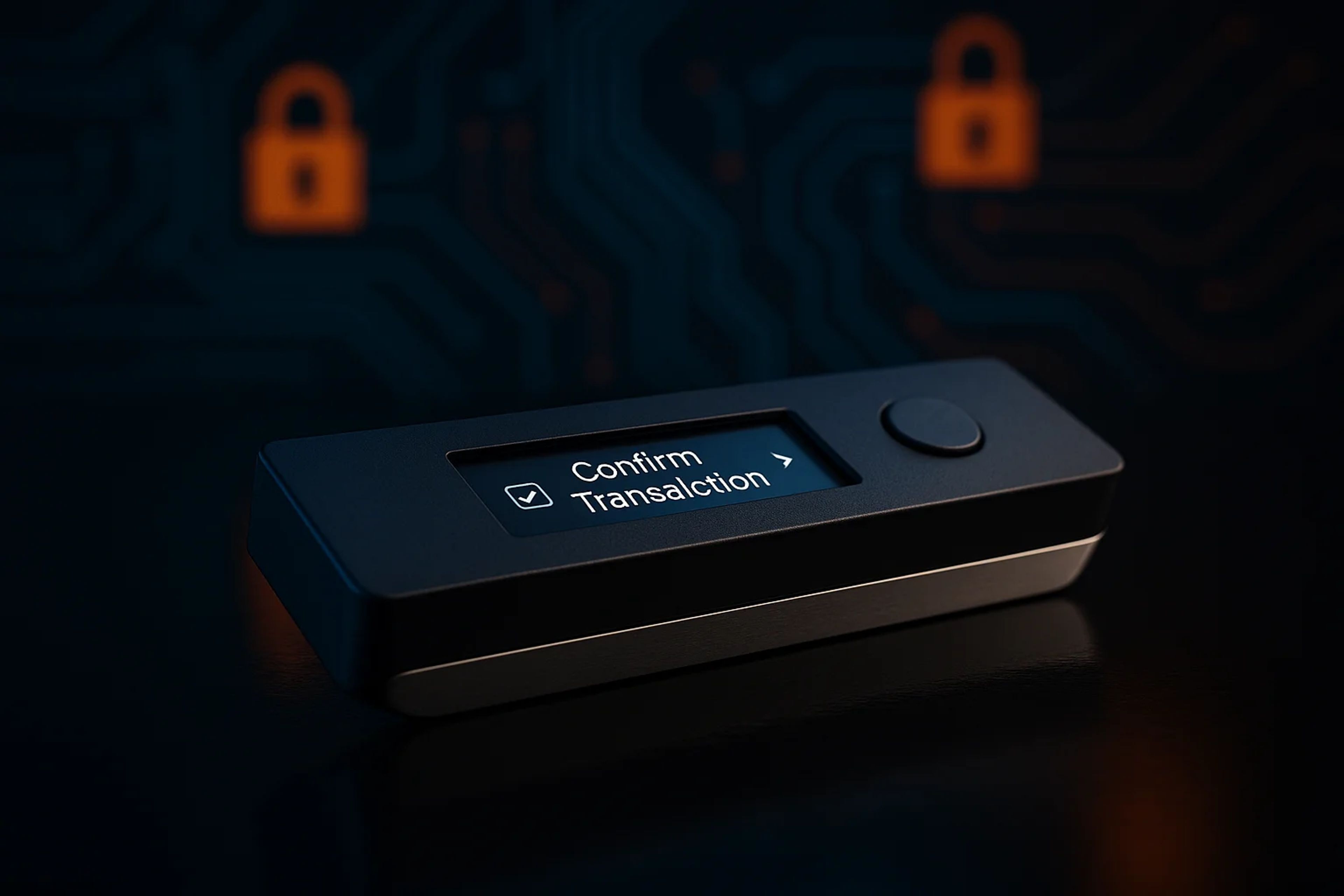
Hardware wallets explained: on-device signing, secure screens, and chip-level security
Hardware wallets explained: they are purpose-built signing devices that generate and hold your private keys and only output signed transactions, so a compromised computer cannot simply copy your keys. The security outcome hinges on two things you can verify: whether keys ever leave the device and whether the device’s screen and chip architecture prevent both tricking and extraction.
Key Takeaways
- A hardware wallet does not store crypto assets on the device. It stores the private keys that control on-chain funds.
- The core protection is on-device transaction signing, where only a signed transaction leaves the device and the private key never touches the connected computer or phone.
- Hardware wallet security varies by chip design, with Ledger grouping common designs into generic MCUs, “safe memory,” and Secure Elements with Common Criteria assurance.
- The device screen is the execution checkpoint: “what you see is what you sign” is the difference between blocking host malware and approving the wrong transaction.
How hardware wallets protect crypto keys
Ownership in crypto is control of a private key, not possession of a gadget. The device’s job is to keep that private key from ever being exposed to the internet-connected environment where most theft actually happens: browsers, extensions, mobile apps, and the operating system underneath them. That is why the clean mental model is “signing machine,” not “vault.” The assets live on-chain, and the hardware wallet holds the secret that can authorize movement.
That distinction matters because it changes what “cold storage” really means on a screen. A hardware wallet can be plugged into a laptop and still be meaningfully safer than a hot wallet, because the laptop never gets the private key. Coin Bureau’s comparison frames the key difference exactly there: hardware wallets keep keys on a separate device and sign internally, returning only the signed transaction for broadcasting.
The second protection is verification, not isolation. Ledger’s security model leans heavily on the secure screen being driven by the same security boundary that holds the keys, so the device can show the true destination address and other transaction details even if the host is infected. That is the “what you see is what you sign” property. Treat the computer or phone as an untrusted venue, and treat the hardware wallet screen as the final execution confirmation.
This is also where the broader context of crypto wallet types explained becomes useful. “Wallet” is overloaded language. The meaningful split is whether the private key ever exists in a general-purpose environment (hot) or stays inside a purpose-built device designed to resist extraction and manipulation (hardware).
The transaction signing flow on-device
The flow is simple on the surface, but the security comes from where each step happens. A normal send, swap, or contract interaction starts in a wallet app on a laptop or phone, which prepares an unsigned transaction. That unsigned payload is just instructions: which address to send to, what amount, what network, and for smart contracts, what function call is being approved.
From there, the sequence is:
1. The host app constructs an unsigned transaction and passes it to the hardware wallet over USB, Bluetooth, or another transport. 2. The hardware wallet displays the critical fields on its own screen for human verification. 3. The device signs the transaction internally using the private key stored on-device. 4. The device returns only the signed transaction to the host app, which then broadcasts it to the network.
Coin Bureau is explicit about the key security property: the private key is not exposed to the internet, apps, or even the connected computer or phone. Only the signed transaction comes back.
The “air gapped” variant is the same logic with a different transport. Instead of a live data link like USB or Bluetooth, an air gapped device can move the unsigned transaction in and the signed transaction out using QR codes. The security claim is not magic isolation. It is that the signing step still happens on a separate device, and the user still has to confirm what is being signed on the device screen.
For traders and active users, this is the operational edge during ugly weeks. When the host environment is questionable, a hardware wallet forces a second, independent confirmation step. That does not make scams impossible, but it does block the easiest failure mode of hot wallets: silent key extraction.
Why the chip inside matters
Every hardware wallet is a small computer, and the chip choice is the security boundary. Ledger’s breakdown is useful because it maps to real attack resistance rather than marketing labels: generic microcontroller units (MCUs), “safe memory” chips, and Secure Elements. All hardware wallets need chips to store private keys, run apps, and drive screens. The question is whether those chips were designed to protect secrets under attack.
Ledger’s critique of generic MCUs is blunt: they are flexible and common in everyday electronics, but they are typically not resistant to physical attacks and can be vulnerable to inexpensive techniques like voltage and clock glitching. Passphrases can mitigate some of that risk, but Ledger flags the tradeoff: a passphrase becomes a single point of failure if it is weak, and a self-inflicted loss vector if it is too complex to reliably record and recover.
“Safe memory” is positioned as a middle ground. Ledger says these chips can include countermeasures against physical attacks, but they lack the assurance that comes from third-party security lab certification. Ledger also points out an architectural gotcha that matters more than the label: some safe-memory designs require a second chip to handle Bitcoin signing, which creates attack surface when signing material has to move between components.
A secure element is the high-assurance category in Ledger’s framing. These are specialized chips commonly used in passports and credit cards, and they are evaluated under Common Criteria (CC) Evaluation Assurance Levels (EAL). Ledger describes seven EAL levels up to EAL7+, where higher EAL indicates higher assurance from testing. Ledger also states specific certifications used in its lineup: Nano X uses an EAL5+ Secure Element, while Nano S Plus and Stax use EAL6+.
Threats hardware wallets reduce and don’t
The clean win is remote compromise of the host device. If malware lands on a laptop running a browser wallet, the attacker’s best outcome is often to extract keys or seed phrases and drain funds without needing the user to notice. Hardware wallets cut that path off because the private key never needs to exist on the host at all, and the signing operation happens inside the device.
This is why hardware wallets tend to look best during ecosystem-wide malware events. CCN’s coverage of a large-scale JavaScript/NPM supply-chain incident included commentary urging users without hardware wallets to pause on-chain transactions. The point was not that every wallet was drained. It was that when the software supply chain is on fire, hot-wallet environments inherit that risk immediately, while a hardware wallet still forces an on-device signature step.
The second category is physical and lab-style attacks, where chip design matters. Ledger lists three attack families Secure Elements are built to resist: side-channel attacks (inferring secrets from electromagnetic radiation or power usage), fault attacks (laser fault injection, voltage glitching, temperature manipulation), and software attacks (attempts to manipulate the OS or embedded apps). Ledger’s claim is that Secure Elements are resistant to reprogramming once programmed, which is part of why certification matters.
What hardware wallets do not solve is intent. A user can still approve a bad transaction if the device screen is not checked carefully. Address poisoning is the classic example of how this fails operationally: the attacker does not need the private key if the user is tricked into sending to the wrong address. The device can only show what is being signed. It cannot decide whether that destination is the one the user meant.
This is where hardware wallet best practices stop being a checklist and start being execution discipline. If the address, amount, or network shown on the device does not match the user’s intent, the correct action is to reject and assume the host is compromised or the workflow is being manipulated.
Choosing between hardware and software wallets
Cost and friction are the honest tradeoffs. Coin Bureau puts typical hardware wallet pricing as a one-time purchase, with examples in the $59–$200+ range, while software wallets are usually free to use aside from network fees. That pricing difference is why many users run a hybrid setup: a software wallet for small, frequent interactions and a hardware wallet for larger balances or for signing higher-stakes transactions.
The “best hardware wallet” question is usually asked like it has a universal answer. It does not, because threat models differ. Someone worried about remote malware and phishing gets most of the benefit from any design that keeps keys off the host and forces on-device confirmation. Someone worried about physical access, device theft, or sophisticated extraction attempts should care much more about chip assurance, tamper resistance, and whether the secure screen is inside the same trust boundary as the keys.
This is also where Ledger vs Trezor debates tend to get sloppy. Coin Bureau notes Trezor’s positioning around open-source security while listing multiple leading brands, while Ledger emphasizes Secure Elements and Common Criteria assurance. Those are different philosophies and different claims. The useful evaluation lens is consistent across vendors: where are keys generated and stored, what chip boundary protects them, and what exactly is shown on the device screen before signing.
Finally, connectivity choices change workflow more than they change the core model. USB and Bluetooth devices still rely on on-device signing. Air gapped designs reduce reliance on a live connection by using QR codes, but they still require the same human verification step. In the broader map of crypto wallet types explained, a hardware wallet is the tool built for minimizing key exposure, not for eliminating every way a user can authorize the wrong thing.
Common misconceptions that get people wrecked
The most expensive misunderstanding is thinking a hardware wallet “stores the crypto.” Ledger is explicit that hardware wallets don’t store crypto, they store private keys. Funds are on-chain. The device is the control surface for authorization.
The second misconception is treating “hardware wallet” as a single security tier. Ledger’s own taxonomy makes the point: MCU-based designs, safe-memory designs, and secure element designs are not equivalent against physical extraction. Even within a category, architecture details matter. Ledger flags that some safe-memory approaches need a second chip for Bitcoin signing, which creates risk when sensitive material traverses between components.
The third misconception is believing the device makes scams irrelevant. A hardware wallet blocks silent key theft, but it cannot save a user who signs the wrong transaction. The secure screen is only useful if it is used. If the device shows a destination address that does not match the intended counterparty, approving anyway is the same as fat-fingering an order on an exchange.
The last misconception is over-indexing on buzzwords like “cold storage” or “air gapped” while ignoring the verification path. “Offline” is shorthand. The concrete question is whether the private key ever leaves the device and whether the device can show the true transaction intent independent of the host. That is the difference between a compromised laptop being annoying and being fatal.
The Take
I’ve watched people buy a hardware wallet and then treat the companion app like the trusted object, which flips the whole security model on its head. The device is the trusted screen and signer. The laptop is the sketchy venue. If the address or network on the device doesn’t match what was intended, the only correct response is to reject and assume something upstream is wrong.
I’ve also seen “offline” get used as a blanket comfort word during software supply-chain scares. The CCN write-up on the 2025-09-09 NPM incident captured the right instinct: when the hot-wallet environment is contaminated, forcing an on-device signature step shrinks the blast radius. The edge is not mysticism. It’s a signing machine that refuses to hand your private key to whatever is running on your computer today.
Sources
Frequently Asked Questions
Do hardware wallets store crypto or just keys?
They store private keys, not the crypto itself. Funds remain on-chain, and the hardware wallet holds the secret that can authorize transactions. Ledger explicitly frames hardware wallets this way: control comes from keys, not from the device holding coins.
How does a hardware wallet sign a transaction without exposing the private key?
The host app sends an unsigned transaction to the device, the device shows the details on its screen, and the signing happens inside the hardware wallet. Only the signed transaction is returned to the computer or phone for broadcasting. Coin Bureau emphasizes that the private key is never exposed to the connected device.
What is a secure element and what does CC EAL mean?
A secure element is a tamper-resistant chip used to generate and store secrets and perform sensitive operations, commonly found in passports and credit cards. Common Criteria EAL is a standardized assurance rating with seven levels up to EAL7+, where higher levels indicate higher assurance from evaluation. Ledger states its devices use Secure Elements with EAL5+ or EAL6+ certifications depending on model.
Are hardware wallets immune to malware and phishing?
They reduce the chance that malware can steal your private key from a compromised computer, because the key stays on the device. They do not prevent you from approving a malicious transaction if you do not verify what the device screen shows. The security model depends on the on-device confirmation step being treated as final.
Is Ledger vs Trezor the right way to think about the best hardware wallet?
It is more useful to compare security boundaries than brand slogans. Ledger emphasizes Secure Elements and Common Criteria assurance, while Coin Bureau notes Trezor’s positioning around open-source security and lists multiple leading brands. The practical evaluation is whether keys stay on-device, how the chip architecture resists extraction, and whether the screen reliably shows what you are signing.


